

Cloud-Based File Storage in Kenya
Network file storage in Nairobi for cloud and dedicated servers’ and Managed Kubernetes clusters’ data. Storage can be connected to multiple products, including those in different pools. It operates, using the NFS and SMB protocols.

Choose the File Storage Type That Best Fits Your Needs
-
Basic
Use cases
- Storing backups, archives, and other cold data with low access frequency
Throughput
Read
100 MB/s
Write
100 MB/s
Number of operations
Read
320 IOPS
Write
120 IOPS
-
Universal
Use cases
- For persistent volumes in a Kubernetes environment with the ReadWriteMany access mode
- Data storing and cloud-based file sharing between information systems or end users
Throughput
Read
200 MB/s
Write
200 MB/s
Number of operations
Read
7 000 IOPS
Write
4 000 IOPS
-
Fast
Use cases
- For persistent volumes in a Kubernetes environment with the ReadWriteMany access mode
- Storing raw data and models in machine learning clusters
Throughput
Read
300 MB/s
Write
500 MB/s
Number of operations
Read
25 000 IOPS
Write
15 000 IOPS
Why Choose Cloud File Storage in Kenya by Servercore?
ActivateTasks the File Storage Helps to Accomplish
Set up backups and store copies in a separate file storage. This allows you to access or restore your data at any time if needed.
Connect your servers, whether in the same or different regions, to centralized file storage for shared data access. Our service supports NFS and CIFS protocols, ensuring flexibility and compatibility with various systems.
If your application architecture requires Persistent Volumes with ReadWriteMany access mode, use Servercore file storage with NFS connectivity.
Who Will Benefit from the Cloud File Services?
To store backups of information system data
To store Kubernetes persistent volumes with ReadWriteMany access mode
To store unstructured data for further processing
To store machine learning data
Servercore is Stable, Simple, and Offers Local Infrastructure
Request a consultationIaaS и PaaS
Availability zones in Kenya, Uzbekistan, and Kazakhstan
IAM service for managing authorization and access levels
SLA up to 100%
Compliance with GDPR and DPA 2019
PCI DSS
Free migration
Billing in Kenyan shillings
Payment by MPesa or bank transfer
24/7



Our Сustomer Stories




















Choose the Region Where You Want to Deploy Your Service


-
 Dedicated Servers
-
 Cloud Servers
-
 Cloud Databases
-
 Managed Kubernetes

-
Dedicated Servers
-
Cloud Servers
-
Cloud Databases
-
Managed Kubernetes

-
Dedicated Servers
-
Cloud Servers
-
Cloud Databases
-
Managed Kubernetes
-
Dedicated Servers
-
Cloud Servers
-
S3
-
Managed Kubernetes
-
Dedicated Servers
-
Cloud Servers
-
Cloud Databases
-
Managed Kubernetes
Tier III data center in Nairobi
Compliance with global and local security standards
Five levels of client data protection
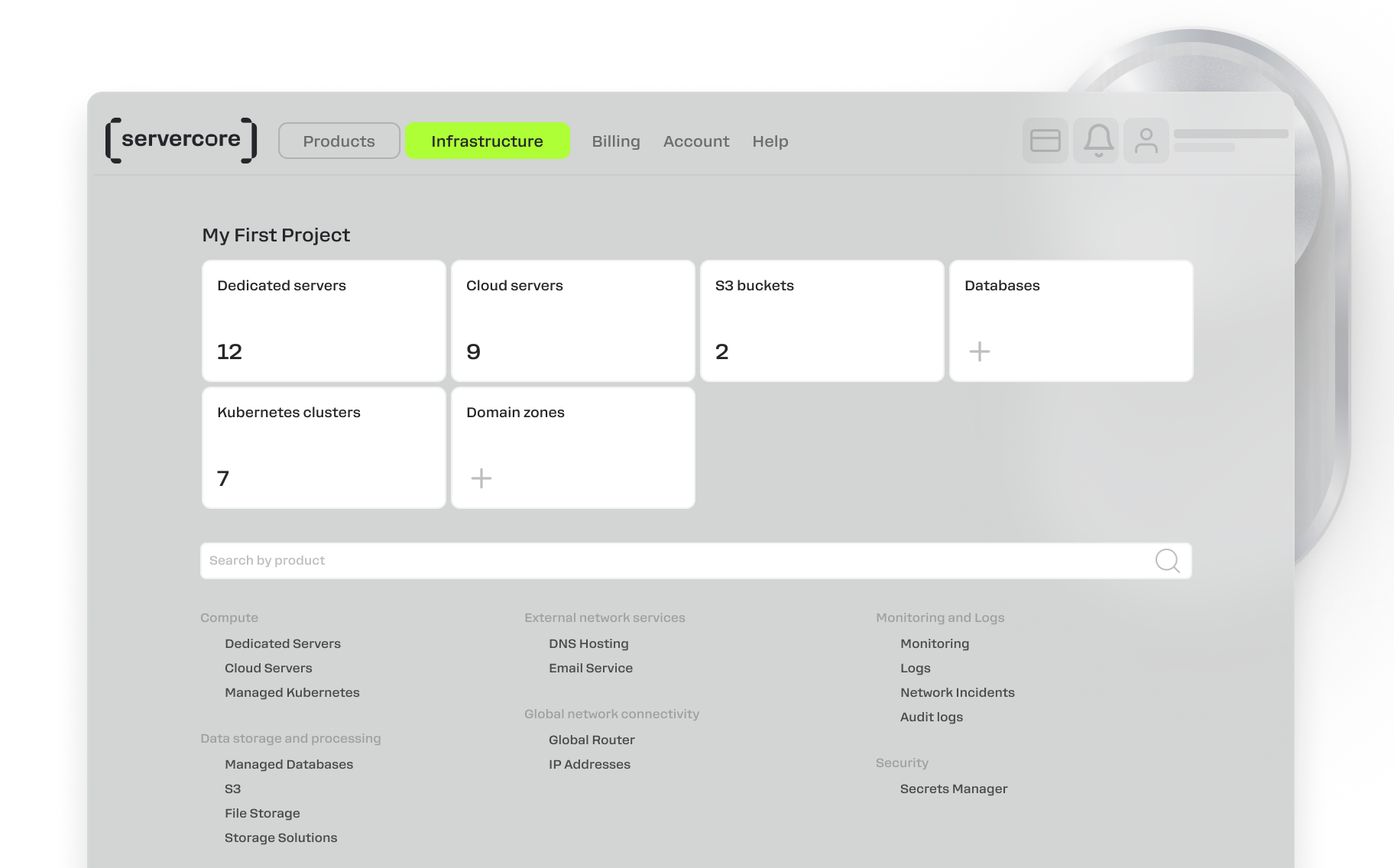
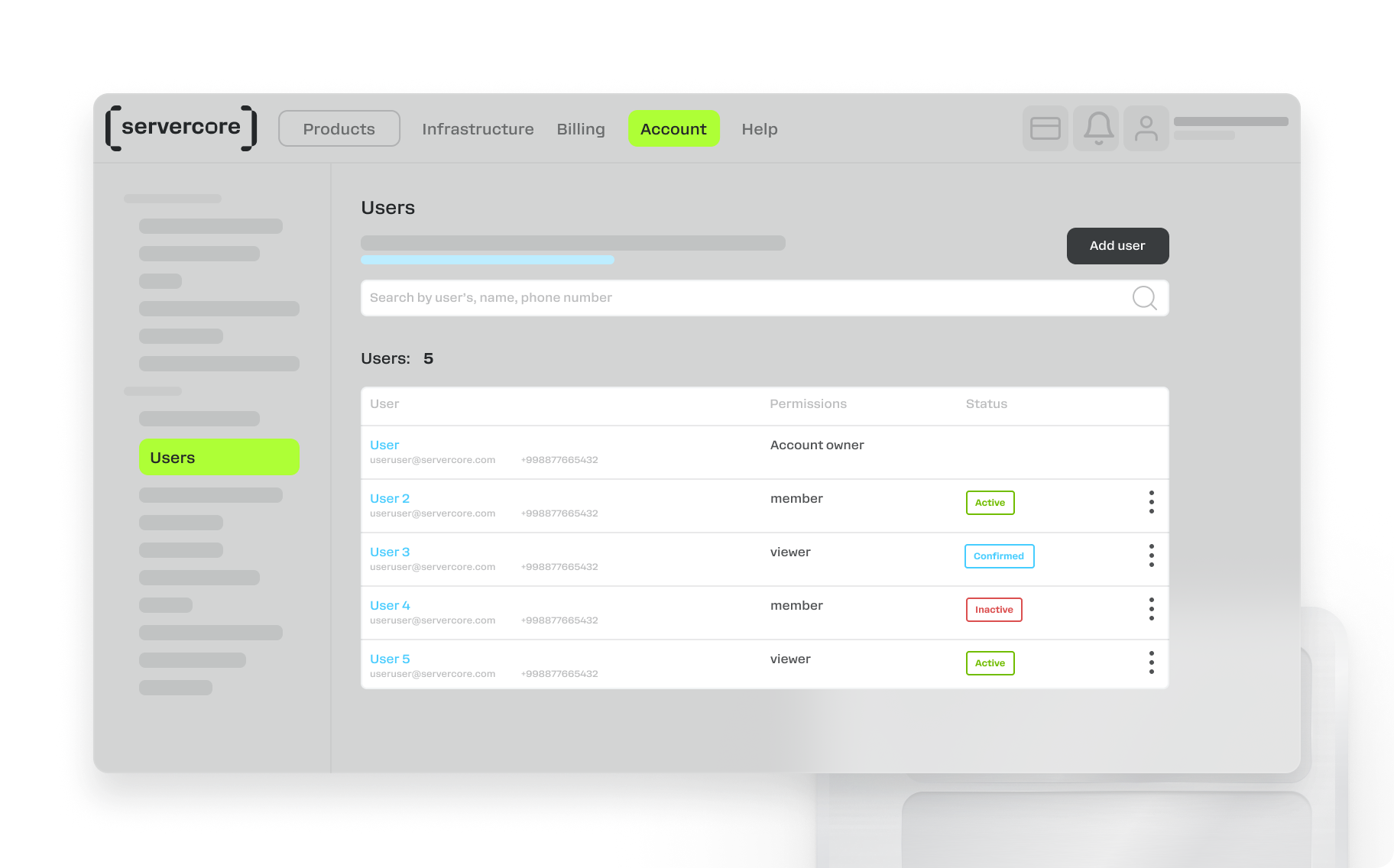
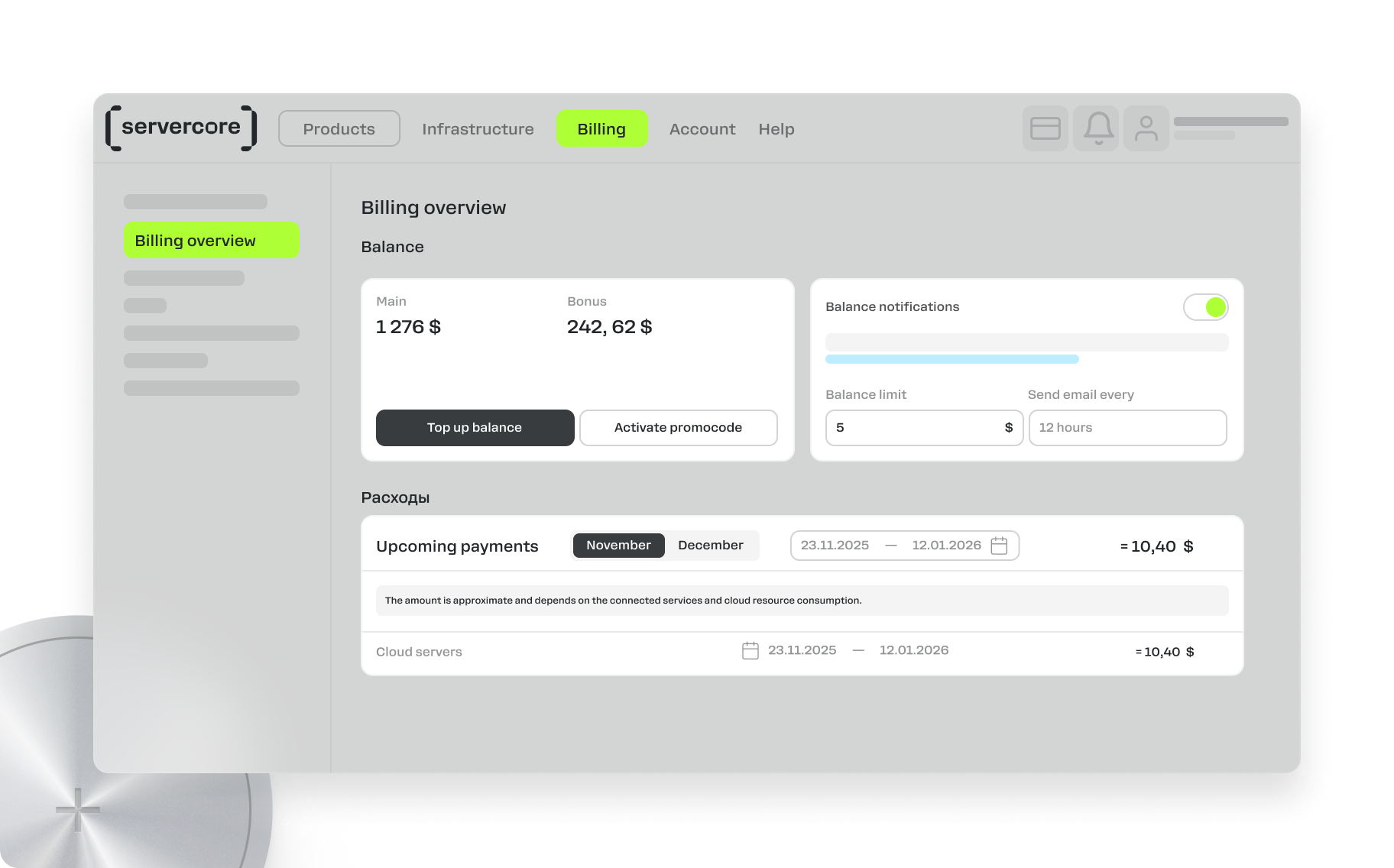
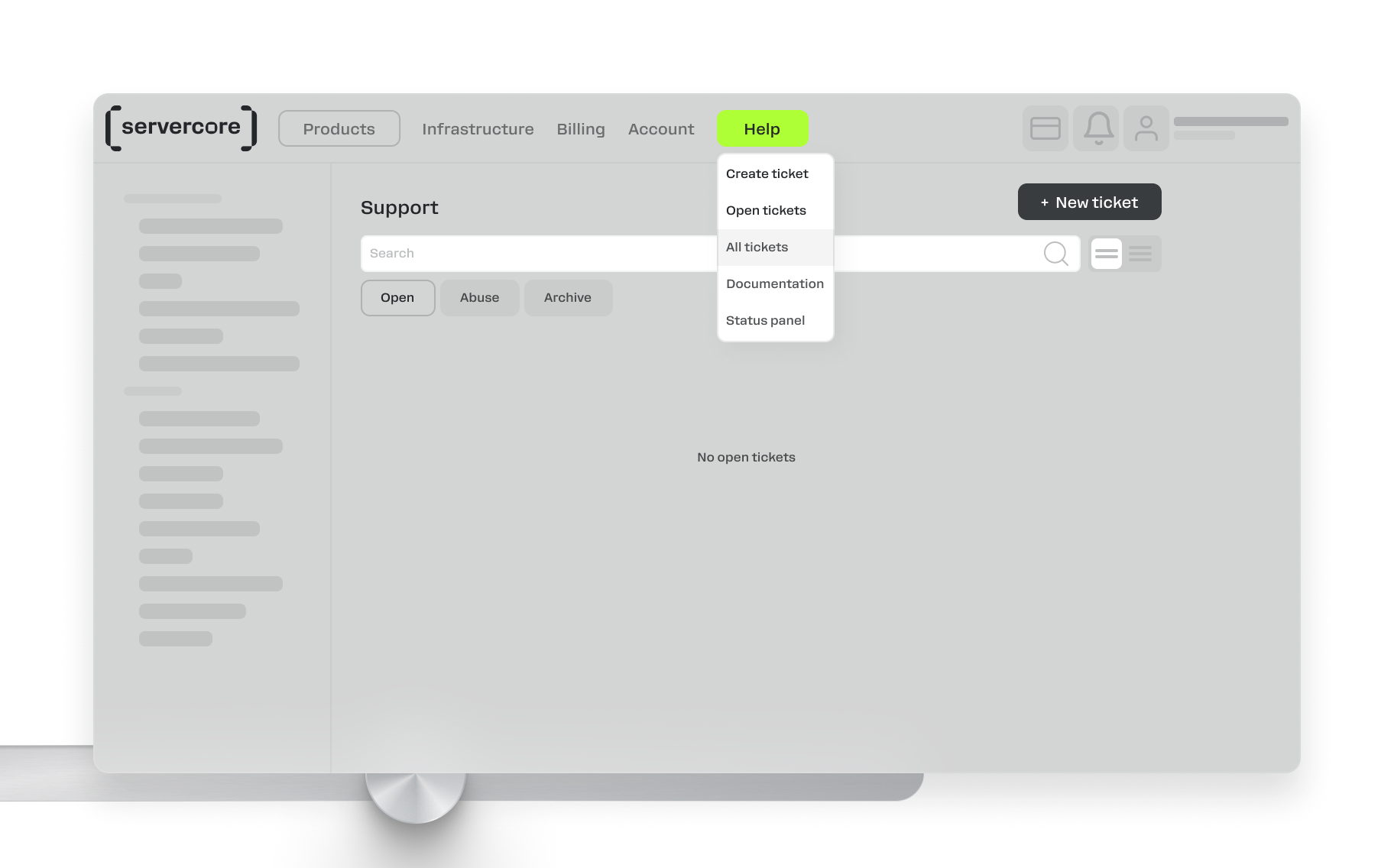
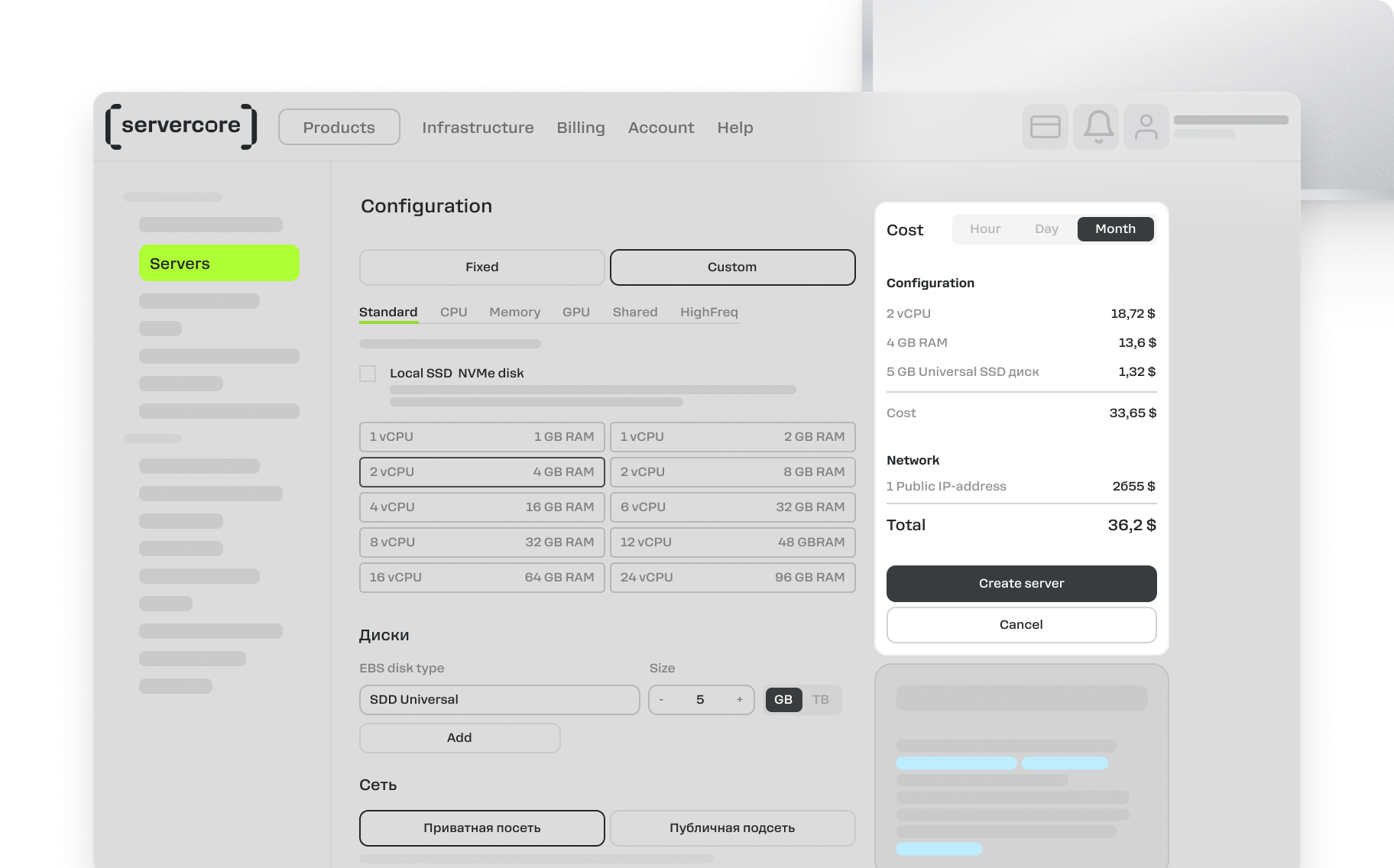
Work from User-Friendly Control Panel
Compatible Products and Services for More Efficient Work
Cloud Servers
Cloud-Based GPU Servers
Dedicated Servers
Shared vCPU Cloud Servers
Managed Kubernetes
S3 Cloud Object Storage
Cloud Backup Solutions
Managed Cloud Databases

MySQL Cloud Databases

PostgreSQL Cloud Databases

Redis Cloud Databases

Kafka Cloud Databases

TimescaleDB Cloud Databases
Secrets Manager
Global Router (L3VPN)
Anti-DDoS Solutions
Private DNS Server
Free DNS Hosting Service
Direct Connect
Servercore Mail Service
FAQ
File storage is a virtual data repository designed for storing and sharing files via NFS and SMB protocols.
It allows users to upload, save, and organize various types of data such as documents, images, videos, and other media files. File storage provides access to data from different devices and platforms, and can also be used for backup and collaboration.
The cloud platform uses the pay-as-you-go payment model. Funds are deducted from your balance every hour for the previous hour’s usage of cloud platform resources.
All created resources are billed, even if they are turned off. Learn more about the payment model in the documentation.
To store images and documents for your website, you can use Servercore S3 storage.